For product teams, printers and resellers

Preview products before production.

Show buyers the product, artwork and options in a reusable 3D preview.

Built for products that come in many variants and repeat orders.

Buyers have to picture the product they’re approving.

When artwork, personalization, color or dimensions change, buyers need to understand what the proposed product will look like. A useful preview answers the specific question they face at quote, sign-off or order.

  • Check artwork placement

  • Compare colors and decoration

  • Review supported sizes and formats

  • See a customer’s personalization

A 3D preview can help resolve visual questions and may avoid some clarification or sample rounds. It does not replace physical checks for material, fit, color accuracy, finish or print quality.

Choose the setup that fits the product.

We look at the product, the options that change, the buyer’s decision and where the preview belongs. Then we recommend the simplest model and workflow that can answer that question.

Ready-made library · Self-serve

Start with a model already in the library.

Select a supported product, apply artwork, set colors, views and animation, and create product visuals in the browser.

  • Best when the product shape and options are already supported
  • Use artwork, color and viewing-angle controls available for that model
  • Export still images or animation for listings, quotes and review
Browse the library
3DMocker product editor with a mockup and artwork controls

Parametric · Self-serve, free

Change dimensions while artwork refits.

For supported formats, enter the product dimensions and create a visual preview that follows the selected size.

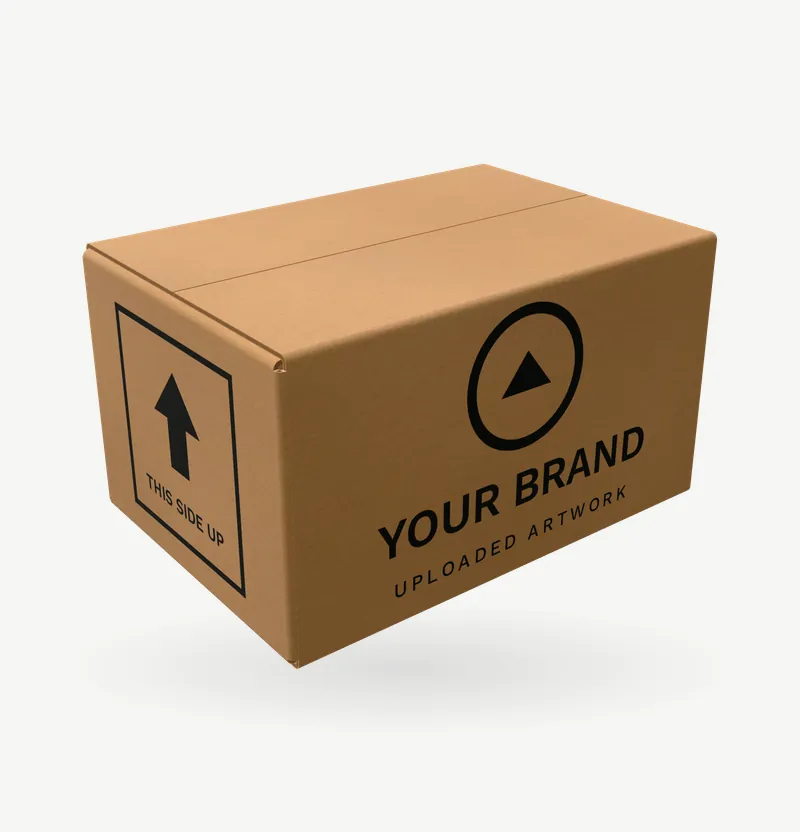
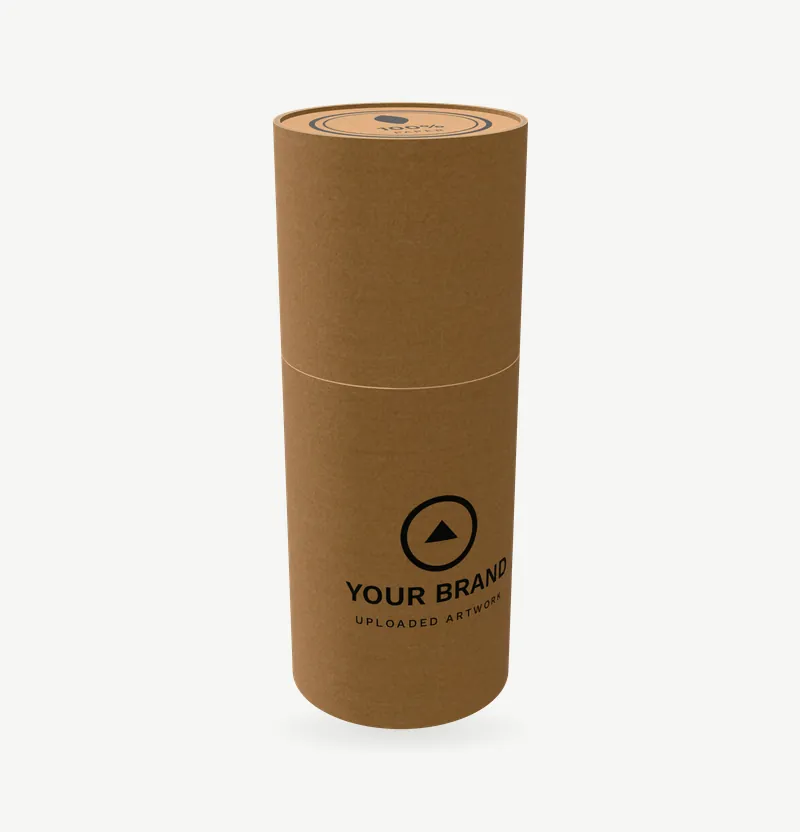
  • Available for supported boxes, tubes, jars, cans, cups, books, envelopes and postcards
  • Artwork refits when supported dimensions change
  • Use the preview for product, sales and buyer review
See supported parametric formats

These are visual previews. Production dielines and print files remain in your production workflow.

Custom model · We build it

Build around the product and its options.

If a product, surface or option set falls outside the library, we build a reusable 3D model of your product with the controls your buyers need.

  • Build models for products not in the public library
  • Map artwork, colors and agreed product options to the model
  • Scope an embedded preview or a connection to your shop or ordering system when the workflow calls for it
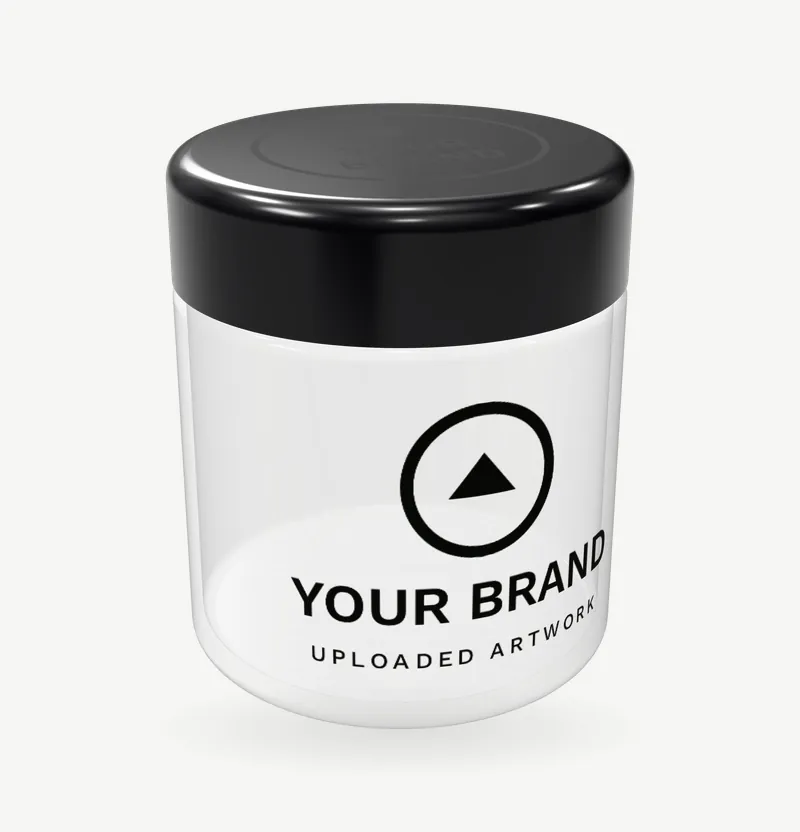
Shown: the parametric jar, live on 3dmocker.com. A custom model gets the same kind of controls.

The right setup depends on what you sell and how your buyers decide.

These are five common situations. We start with your current workflow, then scope the model, controls and outputs around the specific product.

  • A t-shirt with custom artwork from the 3DMocker library

    Shopify · Etsy · POD

    Personalized e-commerce

    Shoppers personalize an item and need to see their version on the product before ordering.

    Typical setup
    For Shopify, scope a preview flow around the product page and order handoff. For Etsy, create listing visuals from mockup exports and collect personalization through Etsy’s listing fields.
    Start with
    One product, one real design and how the customer’s choices reach the order.
  • A branded mug from the 3DMocker drinkware range

    Branded products · corporate gifts · print

    Promotional merchandise

    Business buyers need to approve logo placement, color and decoration across the products they’re considering. Use it for quote visuals, catalogs, product pages or a buyer-facing preview, depending on the sales process.

    Typical setup
    Prepare reusable models for selected products and map the agreed artwork, color and decoration options.
    Start with
    One product and the artwork or options that buyers need to approve.
  • A branded mailer box from the 3DMocker packaging range

    Packaging · printing · consumer goods

    Packaging, printing and consumer goods

    Clients need to review artwork on the intended package format and dimensions before production decisions. 3D previews support visual review; production dielines and print files stay in the print workflow.

    Typical setup
    Use parametric models for supported formats, or scope a custom model for a specialized shape.
    Start with
    The format, dimensions, artwork and decision the preview should help resolve.
  • Six mugs in shades of blue, one product shown in consistent color variants

    Creative and e-commerce studios

    Creative agencies

    Clients need to approve product imagery, artwork or variants before campaign and e-commerce assets are final. Reuse the setup across products or variants when the project calls for it.

    Typical setup
    Choose or prepare a model, apply approved artwork and create the agreed product views.
    Start with
    One product, client artwork, required views and the approval stage.
  • Product platforms · marketplaces · catalogs

    Marketplaces and catalog businesses

    Product teams need consistent visuals across a catalog so buyers can compare products and variants. Generate product visuals, or scope a shopper-facing preview and a connection to your shop or ordering system around your actual data.

    Typical setup
    Map representative product data and supported options to reusable models.
    Start with
    One representative SKU, its product data and where the visuals will appear.

For a different product or workflow, bring one example. We’ll map the case before recommending a setup.

Start with one product and the decision your buyer has to make.

Share a product link, real artwork and a short description of today’s process. We’ll confirm what we understand, recommend a setup and agree what a first test should prove.

  1. Step 1: Map today’s process

    Where are visuals made, who reviews them, and which questions come back?

  2. Step 2: Define the buyer decision

    Choose what needs review: artwork, colors, dimensions, personalization or variants.

  3. Step 3: Match the setup to the product

    Reuse a library model, use a supported parametric format or scope a custom model.

  4. Step 4: Agree the first test

    Set the outputs, review point, success criteria and physical checks that remain.

A dog photo on a Turn It Into Pillow cushion, a shaped pillow, a laptop and a tablet
Example · Personalized e-commerce

A customer previews their photo on a pillow before ordering.

Turn It Into Pillow (opens in a new tab) and Fotopadi (opens in a new tab) use 3DMocker in a Shopify workflow. Customers upload a photo, see it on a personalized pillow and continue to the order. A live implementation.

What this example demonstrates

  • Customer-facing product personalization
  • A reusable model set up for a specific product
  • A path from customer image upload to Shopify order

Compare 3D mockup tools

Compare what you can resize, model for your exact SKU, and put in front of a buyer before they order.

Compare 3DMocker with
3DMocker and five other 3D mockup tools, compared by capability
Capability3DMocker Best for configurable products and commerce previewsVirtualThreads Best for apparel animation3dmockup.co Best for free 3D motionMockey Best for templates and AIMorflax Best for creative 3D scenesPacdora Best for packaging production files
Product preview3D models Across product categories3D apparel models3D clothing and productsMockup templatesEditable 3D scenes3D packaging models
Parametric product sizingDimensions + artwork refit On supported modelsNot documentedNot documentedArtwork sizing onlyObject scaling onlyPackaging only
Model built for your SKUCustom SKU model Commission a reusable modelNot available yetTemplate libraryTemplate libraryBring your own GLBCustom box dielines
Live Shopify buyer previewLive Shopify example Buyer uploads → previews → ordersNo storefront flow shownNo storefront flow shownShopify admin onlyNo storefront flow shownNo storefront flow shown
Motion outputSame 3D model Still and supported animationKnit and apparel motionWind and walking motionVideo templatesScene animation3D packaging preview

Based on published features from VirtualThreads (opens in a new tab), 3dmockup.co (opens in a new tab), Mockey (opens in a new tab), Morflax (opens in a new tab) and Pacdora (opens in a new tab), checked November 2026.

What we need to suggest a first step.

One representative product is enough to define what the buyer needs to see, which options should change and where the preview belongs. We’ll play back our understanding before scoping the work.

  • Product link or representative SKU
  • Real artwork and the options that change
  • Who approves and when they review
  • Where the preview or images will be used
  • What still needs a physical check

Let’s define the product, decision and first test.

Tell us what happens today, what the buyer needs to approve and where the preview would be used. We’ll confirm what we heard, identify what’s needed and suggest a concrete next step.

A first test is scoped in a 30-minute call. No commitment.