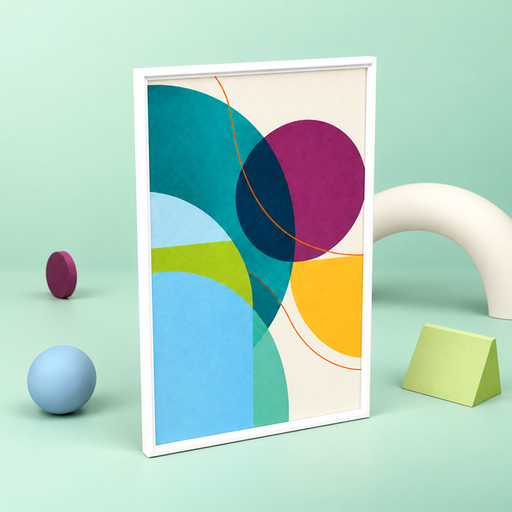
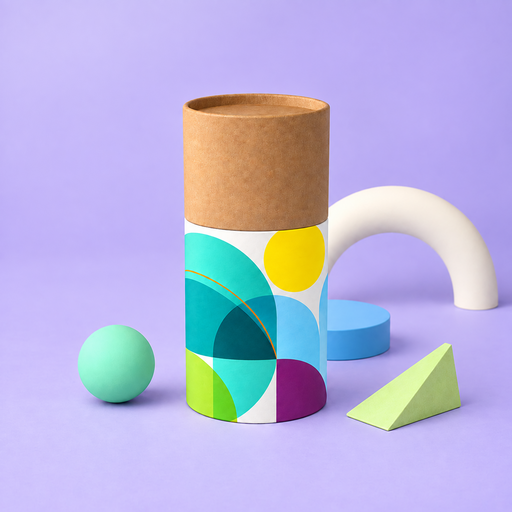
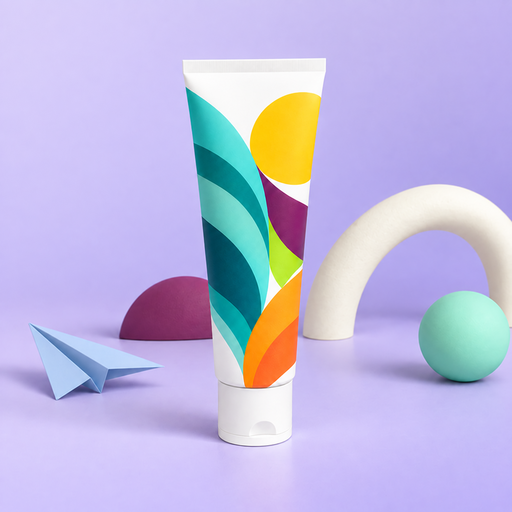
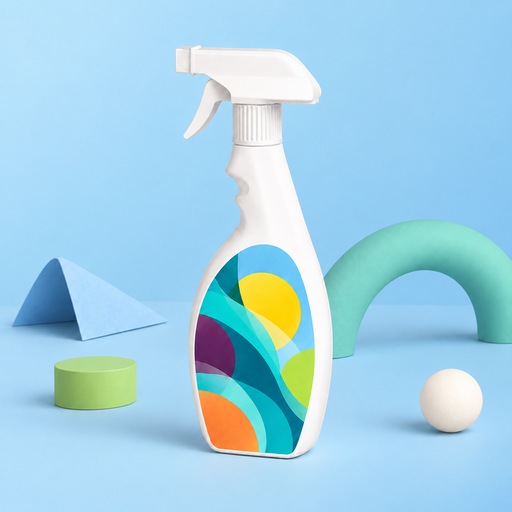
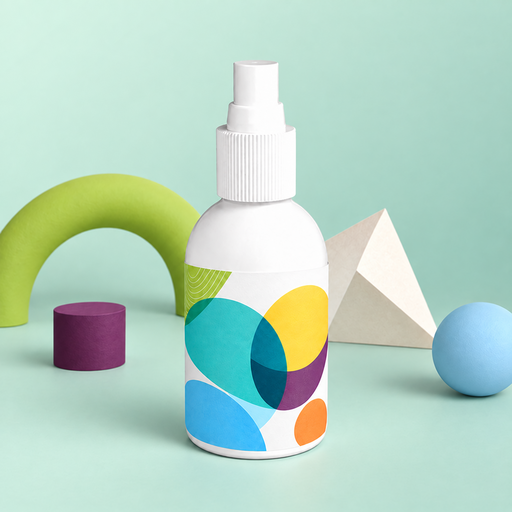
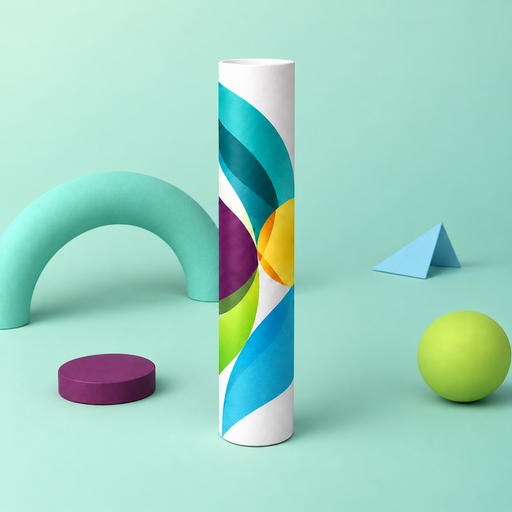
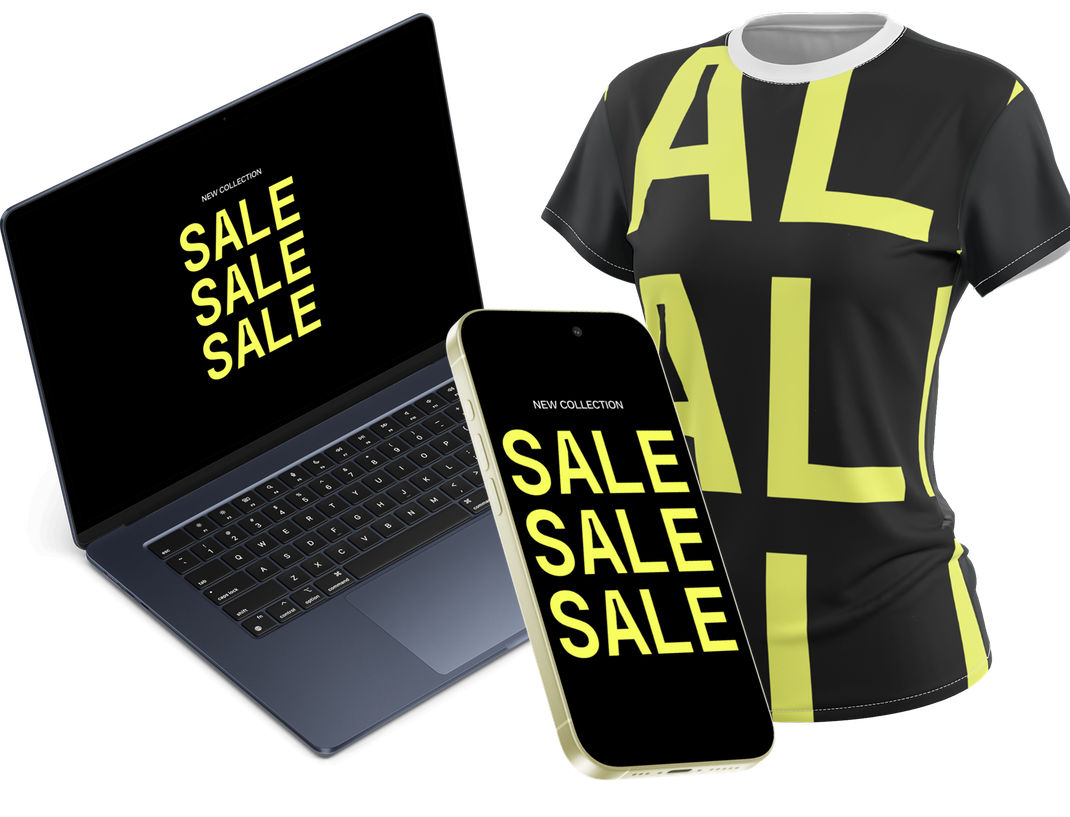
Create Stunning 3D Mockups in 60 seconds
Choose a product, upload your artwork, set the angle and lighting, then export an image or animation. It takes a few minutes and requires no specialist 3D software.
How It Works
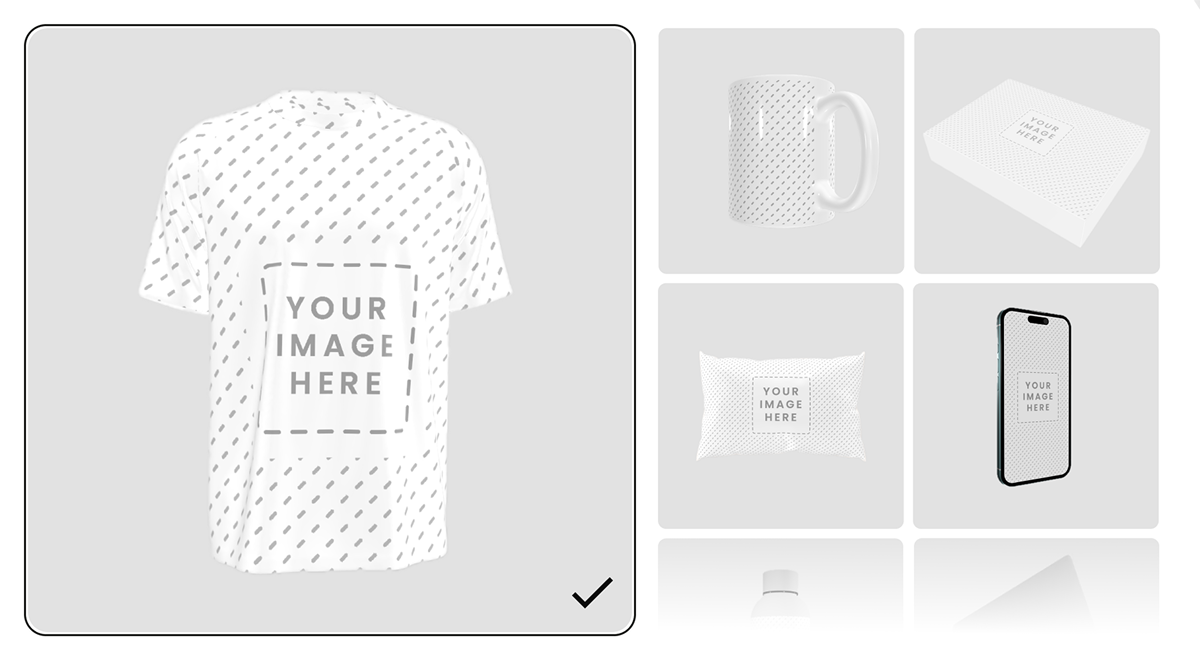
1. Choose a Product Mockup
Browse ready-made 3D mockups for apparel, packaging, merchandise, devices, print and more.
 Ready-to-use 3D product models New mockups added regularly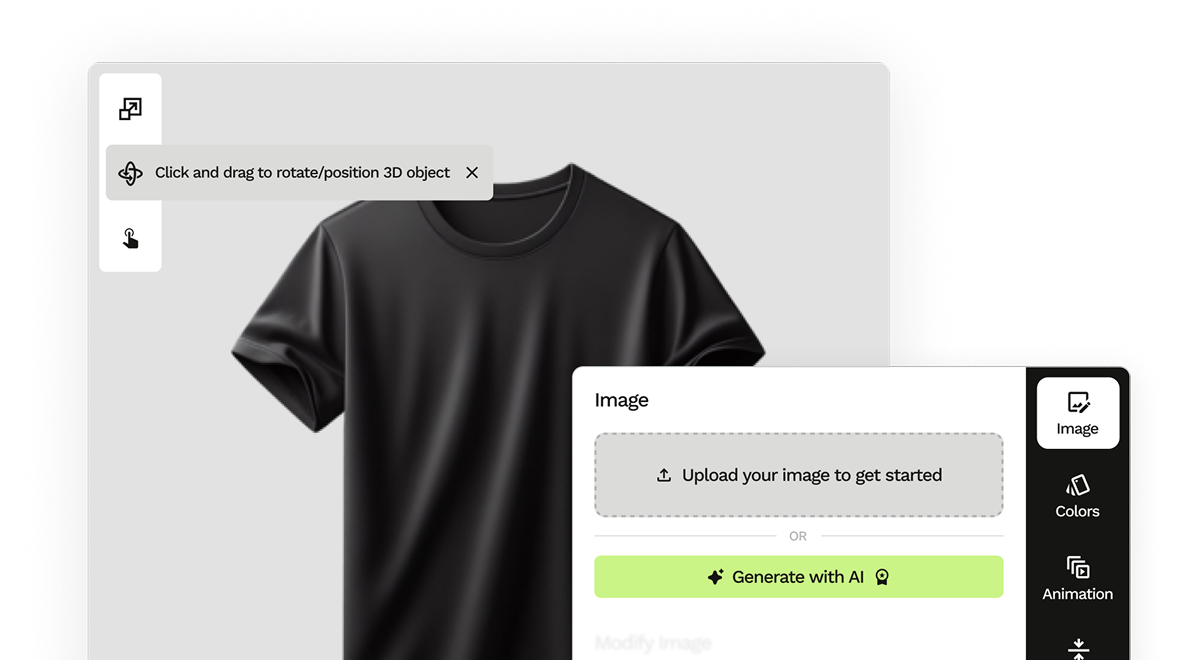
2. Upload and Position Your Artwork
Drop in your design, drag it into position, and adjust its size and the available product colors.
Position and scale your artwork Preview changes directly on the 3D model 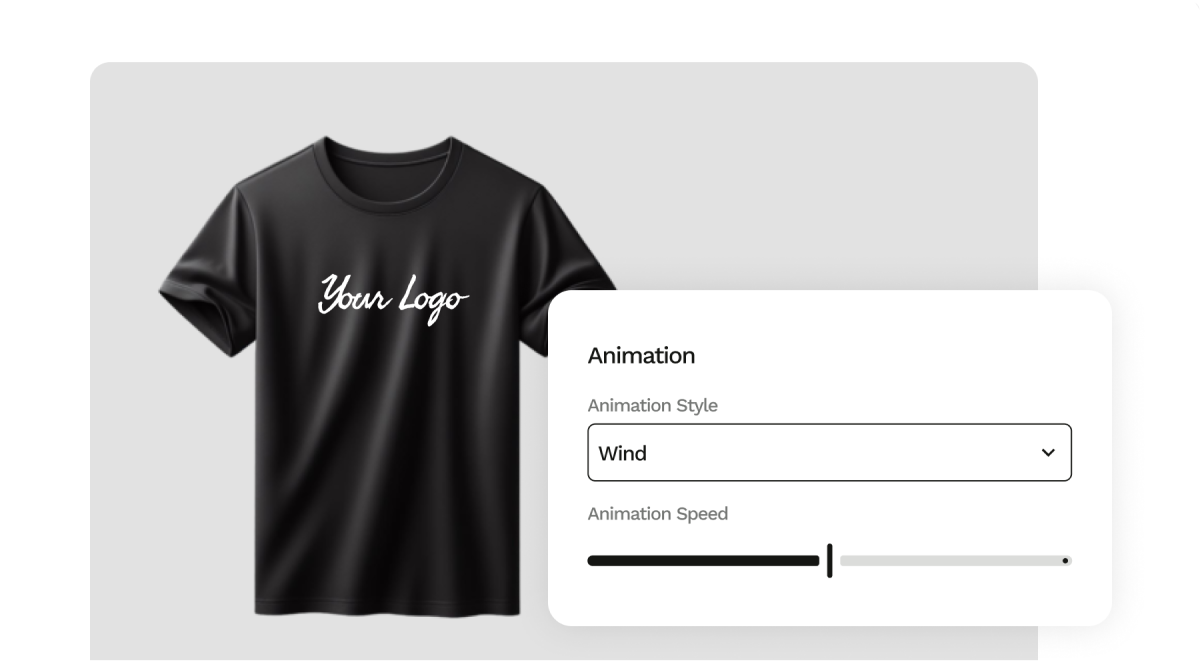
3. Set the Angle, Light and Motion
Rotate the model to show your design clearly, adjust the lighting, and add motion when the selected mockup supports animation.
Adjust lighting and viewing angle Preview supported animations in real time 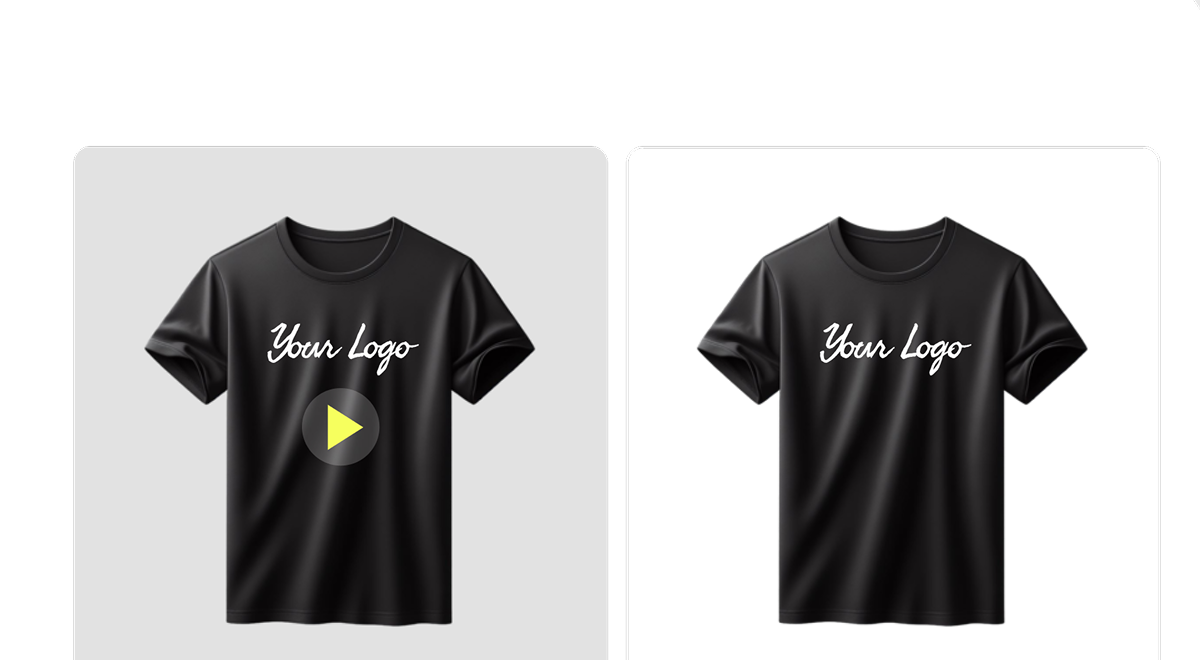
4. Export Your Finished Mockup
Export a still image for a product listing and an animation for an ad—from the same model and the same session.
Export as an image or video Remove the background when needed