Free 3D Shipping Box Mockup Generator – Any Size
A FEFCO 0201 shipping carton built from your length, width and height. Add artwork to any of six sides, fold it up from the flat sheet, and export a transparent PNG at up to 4096 px.
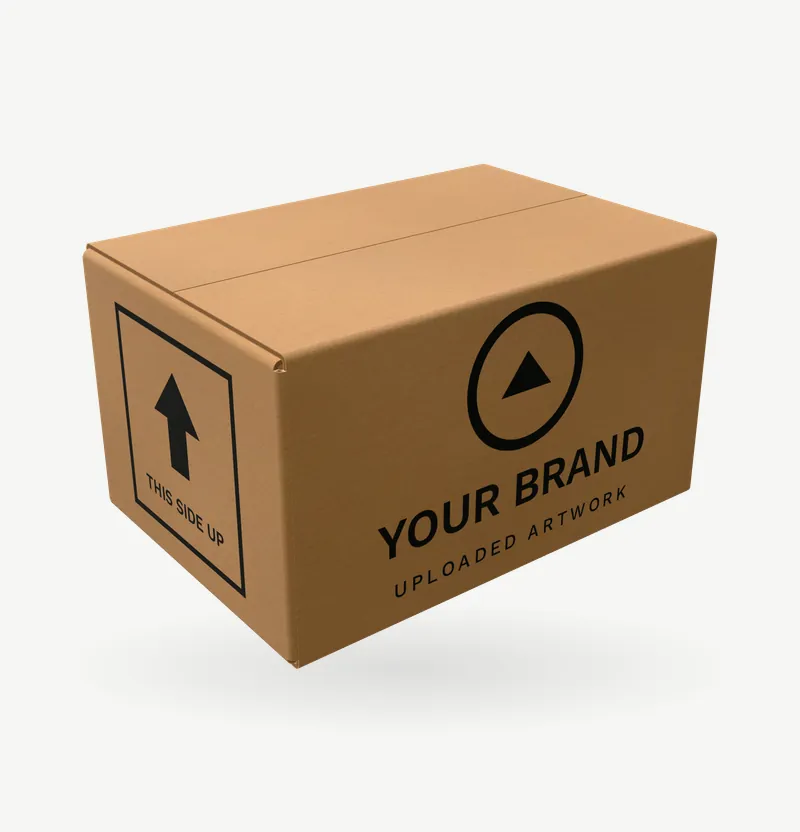 FreeParametric
Custom size
Any size, from the sliders
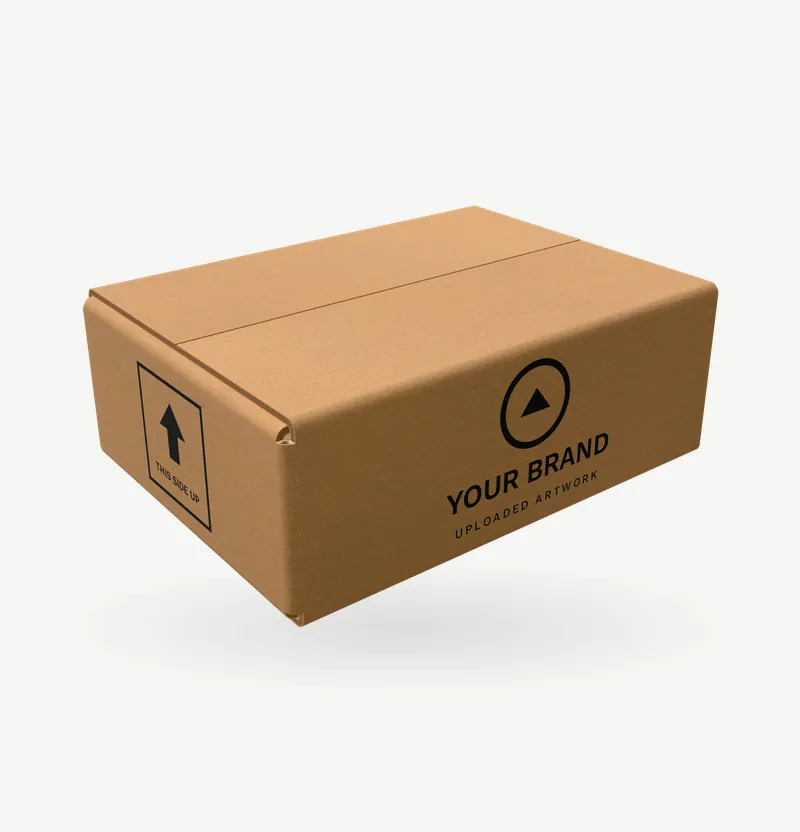 FreeParametric
Mailer box
220 × 160 × 80 mm, kraft
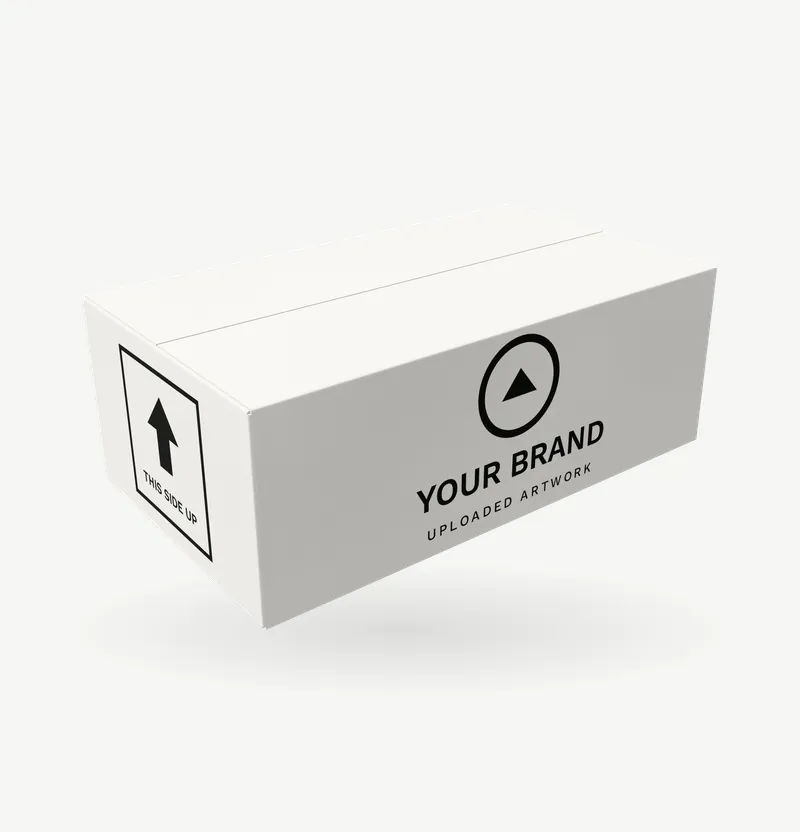 FreeParametric
Shoe box
330 × 190 × 120 mm, white board
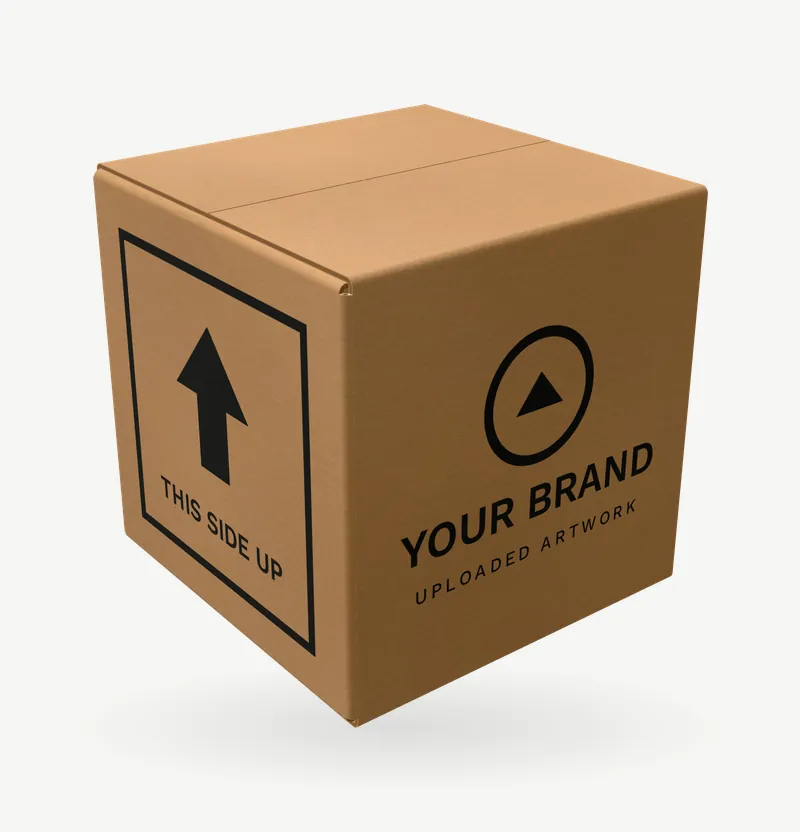 FreeParametric
Cube box
250 × 250 × 250 mm, kraft
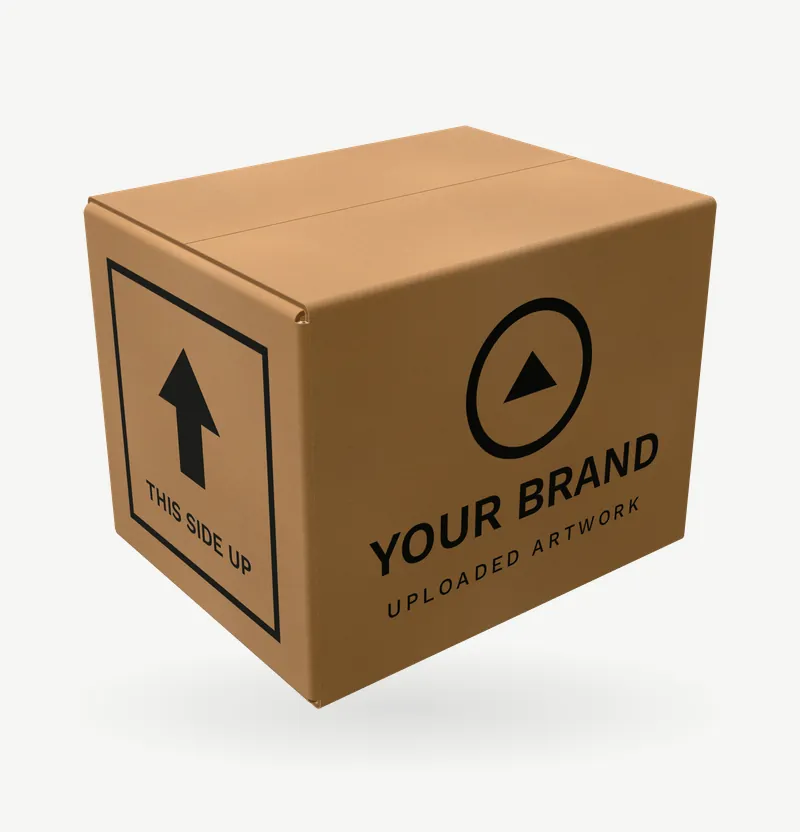 FreeParametric
Moving box
450 × 350 × 350 mm, 5 mm board
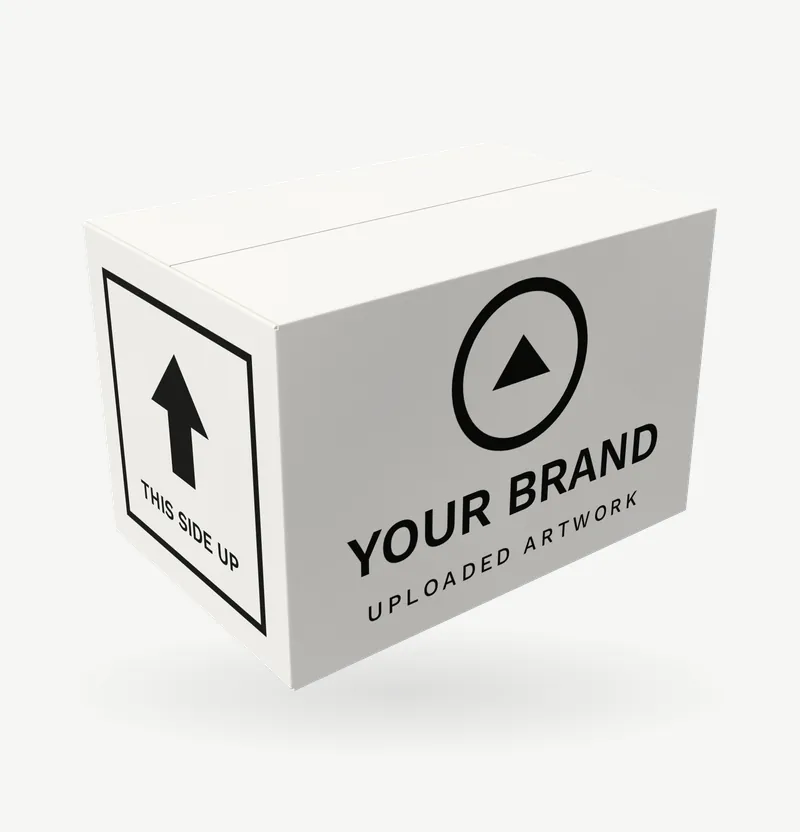 FreeParametric
White box
300 × 200 × 200 mm, white board
About this shipping box
The regular slotted carton is the box almost everything ships in: one die-cut blank of corrugated board, scored, folded and glued at one tab, with four flaps meeting at the top and bottom. This mockup builds that blank from your three outer dimensions and folds it the way a packer does, so the flap gaps, the glue tab and the square corners are where a real carton has them.
Pick a preset (mailer, shoe box, shipper, cube, moving) or set any size from the sliders. The board switches between brown kraft corrugated, 2–7 mm, and white paperboard, 0.4–1.9 mm; the bend radius follows the thickness. The bottom is not printed, because it never is.
Drag the fold slider to see the flat blank with its print laid out, which is also how a printer proofs it.
Questions
Does the mockup show the box flat as well as folded?
Yes: the fold slider runs from the folded box to the flat blank, printed side up, which is the view a printer proofs.
Can I use my own sizes?
Yes. Each product has sliders for its main dimensions and presets for the common sizes; everything else, such as wall thickness or spine width, follows from them.
What size should my artwork be?
The Artwork panel shows each area's print size in millimetres for the current settings; prepare the file at that size, at 300 dpi if it is for print too.
More parametric mockups


Want photographic detail? Browse the catalog mockups
Fixed 3D models of real products, with colours, lighting and animation in the full editor.