Free 3D Book Mockup Generator – Any Size and Binding
A book built from its trim size, page count, paper and binding, with a spine as thick as those numbers make it. Add the cover, turn it, open it, leaf through, export.
 FreeParametric
Custom size
Any size, from the sliders
 FreeParametric
Hardcover
156 × 234 mm, round spine
 FreeParametric
Paperback
129 × 198 mm, paperback
 FreeParametric
Stapled booklet
148 × 210 mm, 32 pages stapled
 FreeParametric
A5 hardcover
148 × 210 mm, hardcover
 FreeParametric
A4 paperback
210 × 297 mm, paperback
 FreeParametric
Square book
210 × 210 mm, flat-spine hardcover
About this book
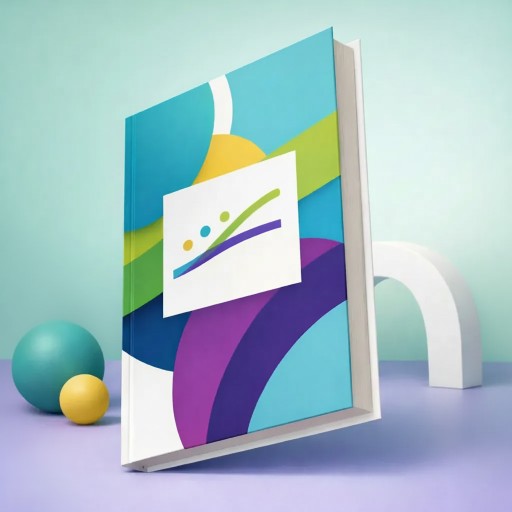
Three bindings cover almost every printed book. A stapled booklet is folded sheets with two wires through the fold, 8–64 pages in fours. A paperback is glued leaves with a card cover trimmed flush, with hinge scores by the spine. A hardcover is a sewn block, rounded and backed, cased into boards that overhang the pages, with a groove at each board. This mockup builds whichever you pick that way.
The spine comes from the page count and the paper caliper, and the cover's spine area follows; the panel shows the width built. Eight presets run from A6 pocket to A4; the sliders cover 80–330 mm.
Five papers from bright white to kraft, a matte-to-glossy laminate, and the open book arches its pages rather than lying flat, because paper doesn't stretch.
Questions
How is the spine width worked out?
From the page count and the paper thickness, plus the cover; the panel shows the result and it changes as you move either slider.
Can I use my own sizes?
Yes. Each product has sliders for its main dimensions and presets for the common sizes; everything else, such as wall thickness or spine width, follows from them.
What size should my artwork be?
The Artwork panel shows each area's print size in millimetres for the current settings; prepare the file at that size, at 300 dpi if it is for print too.
More parametric mockups

Want photographic detail? Browse the catalog mockups
Fixed 3D models of real products, with colours, lighting and animation in the full editor.